Planning Kling concept-art animation: preserving artwork without implying gameplay
Project context: I manage the Kling4AI website linked below. This is a concept-art shot-planning example, not a gameplay or generated-performance demonstration.
Independent developers, outsourced artists, and people building their own demos may recognize this problem: a collection of strong 2D environments and character illustrations becomes a series of rigid stills when making a promotional video or pitching a publisher.
Early in development, a thirty-second social teaser built by zooming static images may struggle to interest players. Separating every illustration into layers and rigging Spine animation, or asking a 3D team to model and render it, can occupy a small team for two or three weeks. A weak response may leave that labor unrecovered.
The images and videos here are visual references for lighting, composition, and movement. They are neither Kling 4.0 generated samples nor verification records for the author’s original test conclusions.
Participate in the website’s credit activities, then use rewards on narrowly defined shots. Inspect results before planning further creation.
For samples, we use the online Kling concept-animation workspace. Its practical appeal is credit rewards: new registrations, check-ins, and inviting new users earn credits; an invited friend’s first top-up can earn extra credits. Multiple activities help accumulate creation credits.
Moving concept images are art presentations, not evidence of implemented game features. Label them concept animation and non-gameplay footage for players and publishers, and present playable demos or actual engine footage separately.
Movement options and scales vary between web interfaces. Motion values and –motion syntax here are not universal commands. Without a corresponding option, describe slight action and a steady camera in natural language. Experiences and output ratios remain the author’s personal account and do not guarantee each generation.
Compared with live-action references, game art depends particularly on stable linework and style. A push that changes a face or melts equipment patterns can undermine the entire film.
I use the finished 2D illustration, or a single 3D concept render, as the first-frame input.
If large character actions remain restrained, background elements can supply movement.
Describe these particle-level details:
A soft amber glow pulses at the top of a lantern; tiny luminous embers drift slowly through the air, a faint cold breeze enters cracks in the background ruins, and the cloak hem moves gently.
Put equipment silhouettes, facial lines, and key-light direction on an inspection checklist. The first frame is a reference constraint, without guaranteeing identical design in every later frame; essential differences still require human inspection.
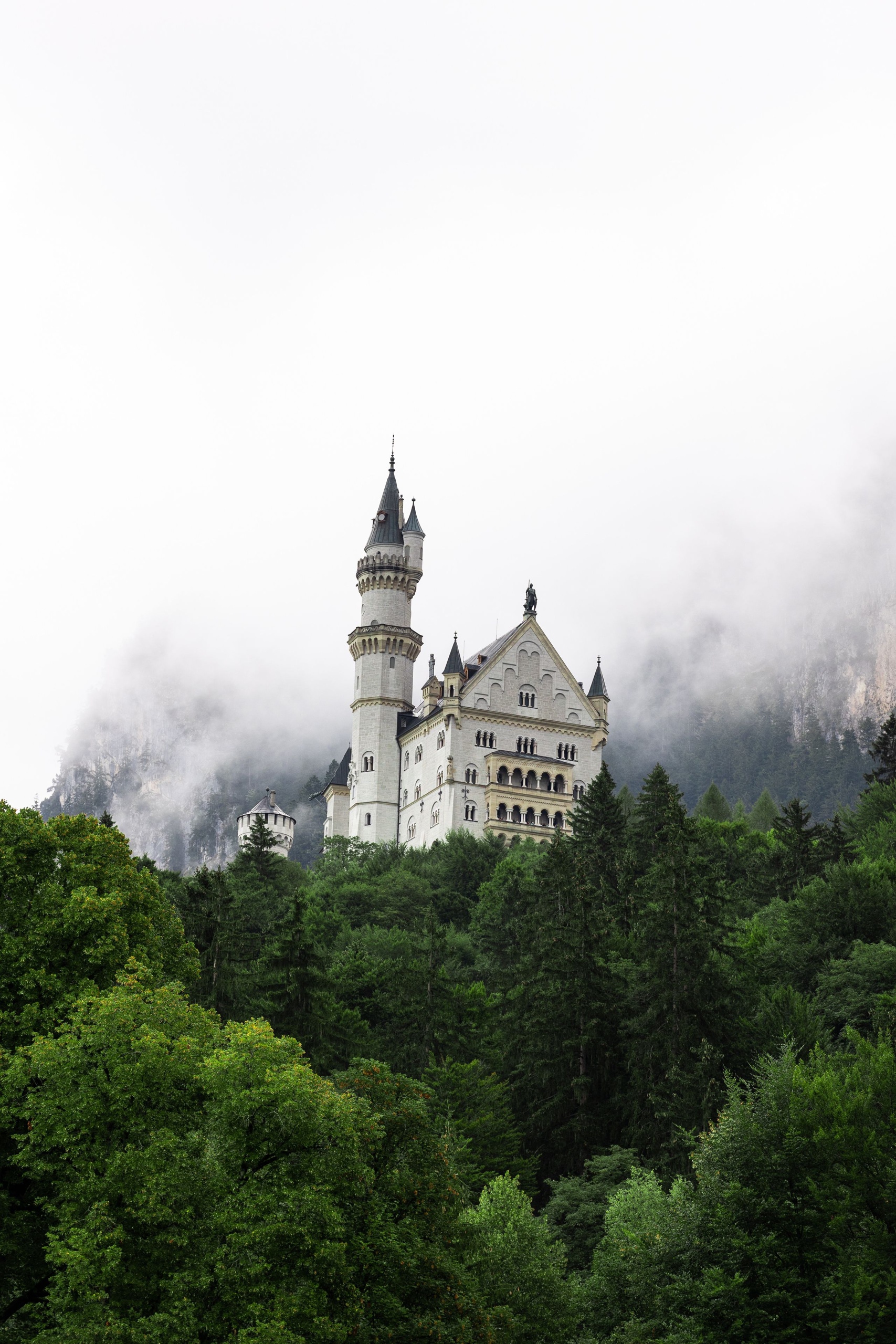
First frame: a distant concept view with immense ruins, a castle, or an abandoned machine.
Prompt: Cinematic video game concept art, wide establishing shot, slow steady forward aerial dolly, thick morning volumetric fog slowly rolling through an abandoned observatory, subtle dust particles floating in the shafts of sunlight, mystical and vast atmosphere. –motion 4
Test environment and character shots separately. Mark the time of repainted scene edges or changing clothing, then decide whether to narrow movement, repair the first frame, or use actual animation.
Independent development should direct limited effort and cost toward core gameplay, rather than spending unnecessary time on early visualization material.
Begin with a bounded concept sample in the creation workspace, check the current model and quote, and judge whether it suits the teaser. Archive image, music, and original-art permissions together, and clearly label the material’s nature when publishing.
0 Replies
Join the discussion.
Log In to Reply